
Does Your Website Back Up Your Networking?
If you want to move into the fast lane with your networking, here are three simple ways to make your website work harder for you.
We’ve all been there. You’re at a networking event, the conversation is buzzing, and someone asks: “Are you on Instagram?” I had this exact moment recently. If my business had to pick one social channel it would be LinkedIn. I didn’t have a business card in sight, and I ended up awkwardly hovering while they searched for a profile I barely touch. It was a bit of a bumpy start!
It reminded me that while we do the hard work in the room, our websites need to be the ones doing the heavy lifting once we leave.
If you want to move into the fast lane with your networking, here are three simple ways to make your website work harder for you.
Create a “Digital Welcome Mat”
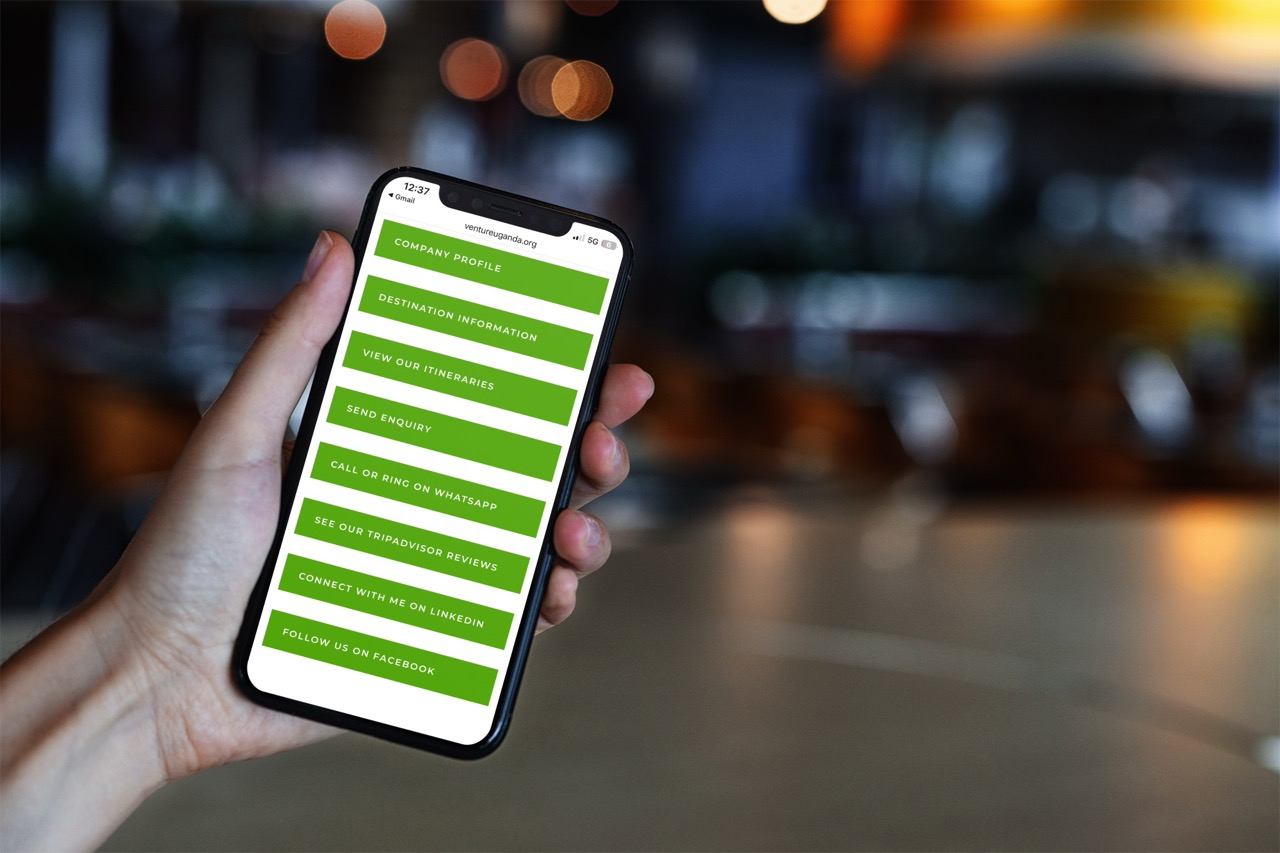
Instead of sending people to your homepage and hoping they find what they need, create a dedicated networking page on your site (think of it as your own branded Link Tree).
On this page, you can include quick buttons to:
- Book a 1-2-1 with you.
- Download your latest brochure or ebook.
- Sign up for your mailing list.
- Follow your primary social media channels.
- Read key pages or blog articles that
- Save your contact details.
Top Tip: Save this page URL as a QR code in your media library on your phone. Next time someone asks for your details, they can just scan it. No fumbling, no friction — just a smoother route to staying in touch.
Give Your Minute Message a Boost
Your 60 seconds at a meeting is just the starting line. If you’ve shared a really useful tip or a success story, don’t let the momentum stop when you sit down.
Take the core of your Minute Message and expand on it in a quick blog post.
When you follow up in the WhatsApp group later, share the link to that post.
This makes it incredibly easy for your fellow advocates to hit ‘forward’ and pass your expertise on to their own contacts.
Make Sure You Back Up Your Claims
Think about the specific “ask” you made today. If you told the room you’re looking for “IT companies” or “Care Homes,” does your website actually mention them?
If a potential referral partner visits your site to check you out, they should see:
- The Who, What, and Why of your services.
- Proof that you understand their specific sector.
- Clear, confidence-building information.
Your website is your digital showroom. It needs to prove that you’re ready for the road ahead.
Is your website ready to roll?
Marketing can feel overwhelming, but it’s all about making small, practical shifts. Think about the messages you’ve shared this week—does your website support them, or is it stuck in the slow lane?
If you’re worried your site isn’t quite backing you up, I can help you map out a better route. Book a chat with me here and let’s get things moving.