Backing Up Your Networking (Part 2): Meet Your New Website “Sat Nav Homescreen”
If you’ve ever stood in a room of 40 people trying to remember if you’ve already told the person in front of you your life story or just met them thirty seconds ago, welcome to my world.
I’ve been networking since 2011. Since I started TukTuk Creative Marketing, face-to-face chatting has been my main engine for finding brilliant clients. These days, you’ll find me every other Friday morning at the Bet365 Stadium with the NetworkIN Team Stoke Friday crew. I love the vibe, I love the people, and do you know what – I quite like the 6.45am start time.
But as I mentioned in my last post, your website needs to do more than just sit there looking pretty while you’re out doing the hard work. If it’s not backing you up, it’s basically a flat tyre.
Don’t send them into a multi-exit roundabout
We’ve all done it: we meet someone great, we swap names, and then we head to their website. But instead of finding what we need, we get stuck in a confusing multi-exit roundabout of “Services,” “About Us,” and “Latest News.”
By the time we find the “Book a 121” button, the kettle has boiled and we’ve moved on.
That is why I’ve launched a specific, one-week “anti-faff” service: The Sat Nav Homescreen.
What on earth is a Sat Nav Homescreen?
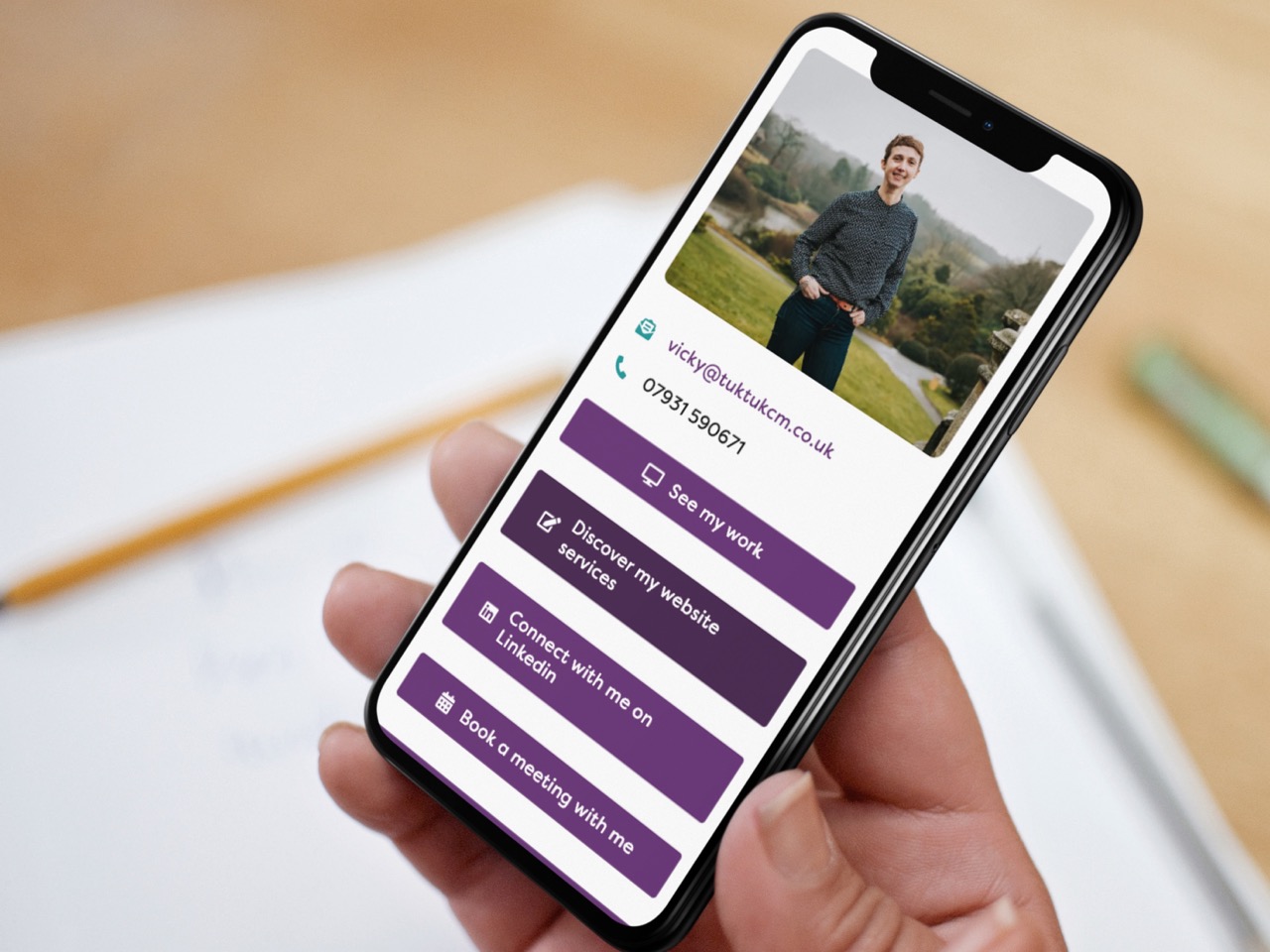
It’s a dedicated, branded page built directly on your WordPress site. Think of it as a digital GPS for your new contacts. Instead of making them hunt for info, you give them 5 clear “Shortcuts” to the good stuff:
- 1The “Oh, That’s Who It Was” Photo: A professional headshot so they instantly recognise you in their sea of open browser tabs.
- 2The “Call Me” Button: No more digging through a footer to find a phone number.
- 3The Calendar Link: A direct route to your live diary. Scan, click, booked.
- 4The “Look What I Did” Gallery: A shortcut to your portfolio to prove you really do know your stuff.
- 5The Social Hub: A direct link to where you actually hang out (usually LinkedIn for me!).
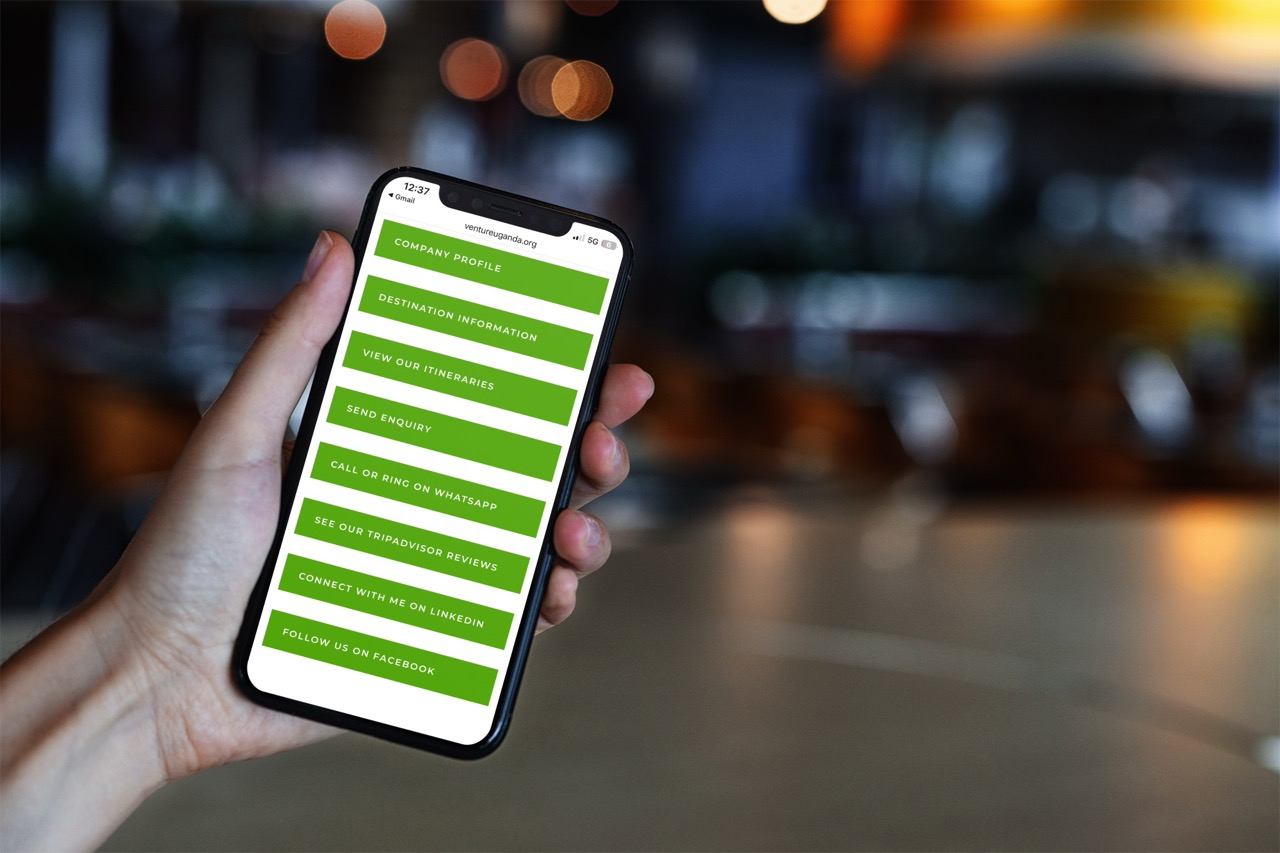
Real-World Sat Navs in Action
I don’t just talk the talk; I’ve helped several business owners get their digital roadmap in order. Here are a few of my favourite “Sat Nav” pages and why they work so well:
The “Anti-Faff” Factor (For the ADHD Brains)
If you’re a busy business owner, saying “I’ll email you that link when I’m back at my desk” is basically a lie. Not because you’re mean, but because by the time you’re back at your desk, you’ve got 14 other things to do.
With your Sat Nav page saved as a QR code on your phone, you just let them scan it right there in the room. No business cards to lose, no “admin dread,” and no “I forgot to follow up” guilt.
The Quick Tune-Up (£99)
This isn’t just a “tack on a page and leave” job. In one week, we get your site road-ready:
Ready to get moving?
By making your website a networking tool, you’re not just “doing marketing”—you’re making life easier for your future clients.
Is your website working as hard as you do at 7:00 AM? Let’s get your Sat Nav Homescreen live by booking a call here.